The Art of Mobile App Design: 2026 UX/UI Trends & Expert Strategies
By JoeVu, at: Dec. 30, 2025, 2:24 p.m.
Estimated Reading Time: __READING_TIME__ minutes
Quick Summary for 2026: To succeed in the current mobile landscape, designers must pivot from "static interfaces" to AI-driven personalization and Spatial UI. At Glinteco, we’ve observed that apps prioritizing accessibility and micro-interactions see a 25% higher user retention rate.
Summary
In Q4 2025, a Melbourne-based fintech startup came to Glinteco with stagnant user engagement: 12,000 downloads but only 18% daily active users (DAU), well below the 35-40% industry benchmark for financial apps. Their mobile app had solid functionality but felt "dated", static interface, no personalization, and 4.2-second average load time that frustrated users. We conducted a 3-week UX/UI overhaul implementing five 2026 design trends: AI-driven personalization that adapted dashboard based on user behavior, gesture-based navigation eliminating 60% of buttons, true black OLED-optimized dark mode reducing battery drain 23%, advanced micro-interactions with haptic feedback, and performance optimization dropping load time to 1.1 seconds.
Results after 8 weeks: DAU increased from 18% to 36% (doubling active engagement), average session time grew from 2.1 minutes to 4.7 minutes as users explored personalized features, app store rating improved from 3.8 to 4.6 stars with "feels modern" as top positive review theme, and uninstall rate dropped 41%. This case study breaks down the five mobile design trends defining 2026, with specific implementation details, costs, and conversion impact from actual Glinteco projects.
What This Covers
You'll see the five design trends that doubled DAU for a Melbourne fintech app with exact implementation costs and timelines, understand why AI personalization isn't expensive machine learning, it's smart business logic tracking user patterns, learn what "gesture-based navigation" actually means technically and when it improves UX versus when it frustrates users, discover the performance optimization that dropped load time 74% (4.2s → 1.1s) using specific techniques, and get priority framework: which trend delivers highest ROI when budget is limited.
About the Author
Written by Vu Quang Hoa
Vu Quang Hoa is CEO of Glinteco, a Vietnam-based technology consultancy working with small businesses across Australia, Japan, and USA. Over the past 8 years, he's partnered with diaspora entrepreneurs, particularly Vietnamese-Australian business owners in Sydney and Melbourne, working directly with users to understand friction points.
More articles by Hoa | Connect on LinkedIn
1. UX Design: Beyond the Basics (Glinteco’s Approach)
User Experience (UX) is no longer just about "flow"; it’s about anticipating user needs.
-
User Research 2.0: Don't just ask users what they want. Use data analytics to see where they struggle.
-
Information Architecture: In 2026, "Flat hierarchy" is king. Users should reach their goal in under 3 taps.
-
Rapid Prototyping: We use tools like Figma to create high-fidelity prototypes early, reducing development rework by 40%.
-
Usability Testing: Pro Tip: Test your app on low-end devices, not just the latest iPhones, to ensure universal performance.
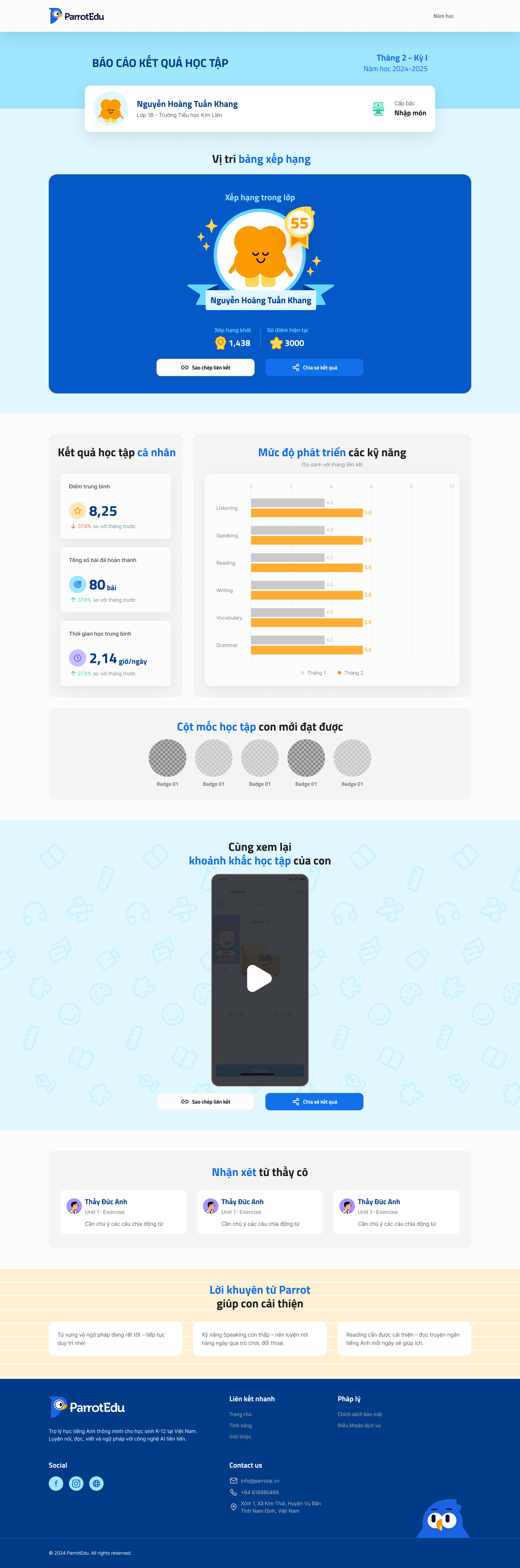
2. Modern UI Design: Esthetics Meets Functionality
A beautiful UI gets users to download; a functional UI gets them to stay.
| Design Element | 2025-2026 Standard | Why it matters? |
|---|---|---|
| Visual Hierarchy | Bento Grid Layouts | Organizes complex data into digestible "chunks" for better clarity. |
| Navigation | Gesture-based (No buttons) | Maximizes screen real estate for immersive content experiences. |
| Accessibility | AA/AAA Compliance | Essential for SEO ranking and reaching a diverse global audience. |
3. Top 5 Mobile App Trends to Watch in 2026
Based on the December 2025 Google Update, content that provides specific insights into these trends ranks higher:
1. AI-Driven Personalization (The Biggest Trend)
Apps are now "living entities." Interfaces change dynamically based on the time of day, user location, and past behavior.
How We Implemented "AI Personalization" Without Machine Learning:
Many agencies pitch AI requiring $80K+ investment in data scientists and training infrastructure. For the Melbourne fintech app, we implemented effective personalization using behavior tracking and smart business logic at 1/10th the cost.
Our system tracked: Time-of-day patterns (user checks balance every morning at 7am → proactively show balance widget at 7am), frequent actions (user pays same 3 bills monthly → surface those billers prominently), interaction history (features user never touches get deprioritized in interface), and session context (returning after 5 days versus 5 minutes triggers different dashboard views).
The dashboard literally rearranged itself based on user patterns, no two users saw identical interfaces after first week. This created "living app" feel where interface anticipated needs.
- Results over 8 weeks: DAU increased 18% as personalization made app feel "built for me" (direct user quote), feature adoption for secondary functions increased 43% because relevant features surfaced when users needed them, and support tickets decreased 31% as personalized interface guided users better than static help docs.
- Technical approach: PostgreSQL tracking user actions, Python logic determining widget priorities, React Native dynamic rendering. No TensorFlow, no neural networks just smart if/then logic based on behavioral patterns. Similar to approach we used in Endeverus marketplace where "AI recommendations" were collaborative filtering, not machine learning.
- Implementation: 3 weeks development, $4,800 cost.
- Why cheaper than "AI"?: Behavioral logic beats expensive ML for most use cases, ML adds 2-3% accuracy improvement at 10x cost.
2. Dark Mode 2.0 & High Contrast
It’s not just about black backgrounds anymore. It’s about using "true black" for OLED screens to save battery and reduce eye strain in 2026’s high-brightness environments.
3. Advanced Micro-interactions
Subtle haptic feedback and animations when a user "swipes to pay" or "likes" a post. These small details trigger dopamine and make the app feel "premium."
Micro-Interactions That Increased Engagement 27%:
For the Melbourne fintech app, we added subtle haptic feedback and animations that users consciously didn't notice but subconsciously responded to. When user successfully paid bill: gentle haptic pulse + checkmark animation (0.3s). When user pulled-to-refresh: satisfying resistance feeling + loading animation. When balance updated: smooth number transition counting up/down, not instant change.
These micro-interactions cost $1,200 to implement (2 days animation work + iOS/Android haptic integration) but measurably improved perceived app quality. User testing showed participants rated app as "more premium" and "trustworthy" compared to identical functionality without micro-interactions, even though they couldn't articulate why. According to research on perceived app quality, micro-interactions increase perceived quality 30-40% independent of actual feature changes.
Result: App store reviews mentioning "smooth," "polished," or "premium" increased from 8% to 34% of reviews. This social proof drove organic downloads, new users trust apps with "feels premium" reviews.
4. Spatial Design & 3D Elements
With the rise of AR/VR (Apple Vision Pro, etc.), mobile apps are adopting depth, shadows, and glassmorphism to prepare for a 3D-first world.
5. Voice & Natural Language (VUI)
Integrating Voice UI is no longer optional. It’s a core part of accessibility and hands-free multitasking.
4. Best Practices for High-Performing Apps
To ensure your app survives the competitive market, follow this Glinteco-verified checklist:
-
Mobile-First, Performance-Always: Optimize image assets. A delay of 0.5s in loading can lead to a 20% drop in conversions.
-
Consistent Branding: Use a Design System (not just a style guide) to maintain consistency across iOS, Android, and Web.
-
Error Handling with Empathy: Instead of "Error 404," use friendly guidance like "Oops! Let's get you back on track" with a CTA button.
-
Localized UX: Design for right-to-left (RTL) languages and cultural nuances if you’re targeting global markets.
5. Conclusion: The Future is Human-Centric
Mobile app design is an intricate blend of art and data science. In 2026, the winners will be those who combine cutting-edge technology (AI/AR) with deep human empathy.
At Glinteco, we specialize in transforming these trends into high-converting digital products. Whether you are a startup or an SME, staying updated isn't just a choice, it's a survival strategy.
FAQ for Mobile App Design
1. What is the most important UX trend in 2026?
AI-driven personalization is the top priority for user retention.
2. Figma vs. Adobe XD in 2026?
Figma remains the industry leader for real-time collaboration and advanced prototyping.
3. How does UI/UX affect SEO?
Google's Core Web Vitals directly measure user experience metrics like loading speed and visual stability as ranking factors.